
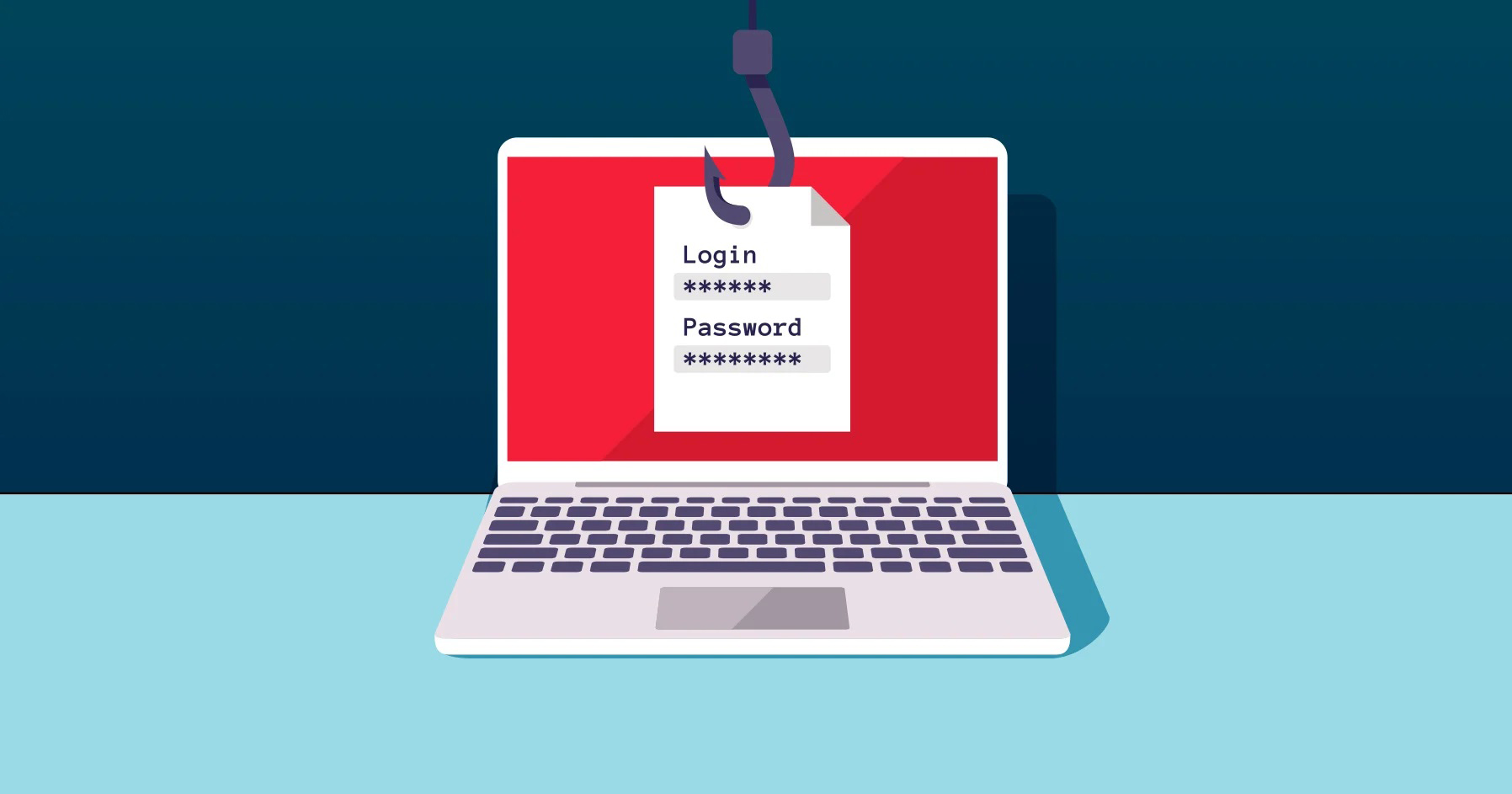

Phishing tricks to be wary of, and 7 tips to protect yourself from scams when filing taxes.
If it’s too good to be true, it most likely is. Tax season – between January 1 to April 15 – seems to bring out the most deceiving and cleverest of cybercriminals. They’re a creative bunch. Often times they pose as someone you know – or an institution you use – and offer an easy “fix” to a problem you have in an official-sounding way.
But it’s all a decoy.
Unfortunately, thousands of people have lost millions of dollars and their personal information to tax scams using regular mail, telephone, or email.
Tried-and-true tax scams:
Ghosting: A ghost tax preparer charges clients to prepare a tax return but does not have a preparer tax identification number (PTIN) with the IRS. They can do more damage than just violate IRS regulations. When the IRS find discrepancies and comes knocking, the ghost preparer is nowhere to be found. Guess who’s left to take responsibility for any errors or omissions? The taxpayer.
Naturally disastrous: Some scammers impersonate charities (perhaps following a recent natural disaster) to get money or private information from citizens. They use fake website names similar to real charity names, claim to work for or on behalf of the IRS, or create their own fake charity.

Impersonating emails: A scammer sends an email impersonating the IRS (the emails often reference the name “IRS Online”) and includes a malware-laden attachment (often titled “IRS Tax Transcript”) to get users to click on and open the attachment. Once open, the malware infects their computer and network.
Old phone scam, new twist: Fraudsters use telephone numbers that mimic IRS Taxpayer Assistance Centers (TACs) to trick taxpayers into paying non-existent tax bills. Scam artists have programmed their computers to display the TAC telephone number, which appears on a taxpayer’s Caller ID when the call is made.
The W-2 identity theft scam: Scammers target those with finance-related roles in the professional sector. Phony emails claim to be from a boss, a co-worker, or a payroll provider, requesting the data one would find on a W-2, including names, social security numbers, home addresses, and salaries.
Here are 5 tips that might save you from falling victim:
1. Look at the return email address carefully.
The easiest phonies to identify are the ones where the email address has nothing to do with the company it is claiming to be. Look at the return email address carefully for misspellings, URLs that do not end in .com.

2. Look but do not click, download, or reply.
If the email seems to be coming from a person or institution you know, yet you still smell something phishy, do not click any links, download any attachments, or even reply to that email. Instead, contact those entities through a separate channel and ask if the email came from them.
3. Analyze the greeting.
Are you addressed as some vague “valued customer”? If so, watch out – when it comes to sensitive business, like your taxes, legitimate businesses will often use a personal salutation with your first and last name.
4. Beware of urgent or threatening language in the subject line.
Invoking a sense of urgency or fear is a common phishing tactic. Beware of subject lines that claim your “account has been suspended” or “unpaid bills will be reported to IRS”.

5. Don’t be fooled by unexpected emails.
About big refunds, tax bills or requesting personal information. That’s not how the IRS communicates with taxpayers. Remember, the IRS sends official business via snail mail. And only snail mail. They don’t initiate contact with taxpayers by email, text messages, or social media channels to request personal or financial information.